Compose Advanced Graphics Effects With SwiftUI
Use SwiftUI layer effects, stitchable Metal shaders, TimelineView, maxSampleOffset, and transcript layout state to build a now-playing screen that still has production boundaries.
Read moreUse SwiftUI layer effects, stitchable Metal shaders, TimelineView, maxSampleOffset, and transcript layout state to build a now-playing screen that still has production boundaries.

Read moreBuild a small agentic SwiftUI feature, profile it with the Foundation Models Instrument, and use the trace to fix prompt bloat, repeated tool calls, latency, and unsafe debugging data.
Read moreBuild a practical SwiftUI image analysis flow with Foundation Models vision attachments, structured output, token budgeting, optional OCR and barcode tools, and a careful Private Cloud Compute fallback.
Read moreAudit SwiftUI screens for resizable iPhone apps by replacing size-class-as-width assumptions with container geometry, useful layout thresholds, Dynamic Type checks, and realistic Xcode 27 testing.
Read moreAsyncImage now participates in HTTP caching, accepts URLRequest, and can use a custom URLSession on iOS 27 and the other OS 27 Apple platforms. Here is how to use the new behavior in real SwiftUI apps without overbuilding your image pipeline.
Read moreUse App Intents and Visual Intelligence to return ranked app content from screenshots and camera captures, with AppEntity models, SemanticContentDescriptor queries, Vision feature prints, OpenIntent routing, privacy, and testing.
Read moreMove a CXProvider-style VoIP app to LiveCommunicationKit with ConversationManager, stable handles, PushKit incoming calls, outgoing actions, group updates, and Recents and Siri caveats.
Read moreReplace polling with a generated gRPC Swift 2 client for a live order tracker, using a unary bootstrap call, streaming updates, SwiftUI state, and lifecycle-aware reconnects.
Read moreRun a tiny Swift backend in a persistent local Linux environment, point Xcode tests at it, and keep Docker and CI for the jobs they still do best.
Read moreExtend a system UITextView from SwiftUI with TextKit 2 hooks for line numbers, foldable sections, and reusable inline attachment views without writing a custom editor from scratch.
Read moreRefactor a crowded SwiftUI editor toolbar for resizable iPhone apps with visibility priorities, overflow menus, pinned actions, size classes, and Xcode 27 Live Preview resizing.
Read moreDiagnose custom SwiftUI feed jank with stable identity, data-level filtering, bounded nested lazy stacks, and modern scroll visibility APIs before falling back to List.
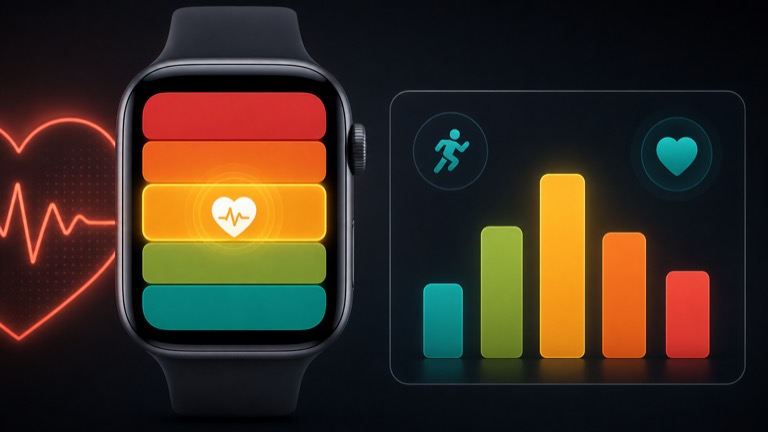
Read moreUse HealthKit workout zones to build post-workout time-in-zone charts, live heart-rate coaching, preferred and custom zones, privacy-aware summaries, and practical training features.
Read moreMake an AVFoundation camera feel ready sooner by splitting preview-critical launch work from deferred output initialization, keeping capture responsive, and testing pressure on real hardware.
Read more
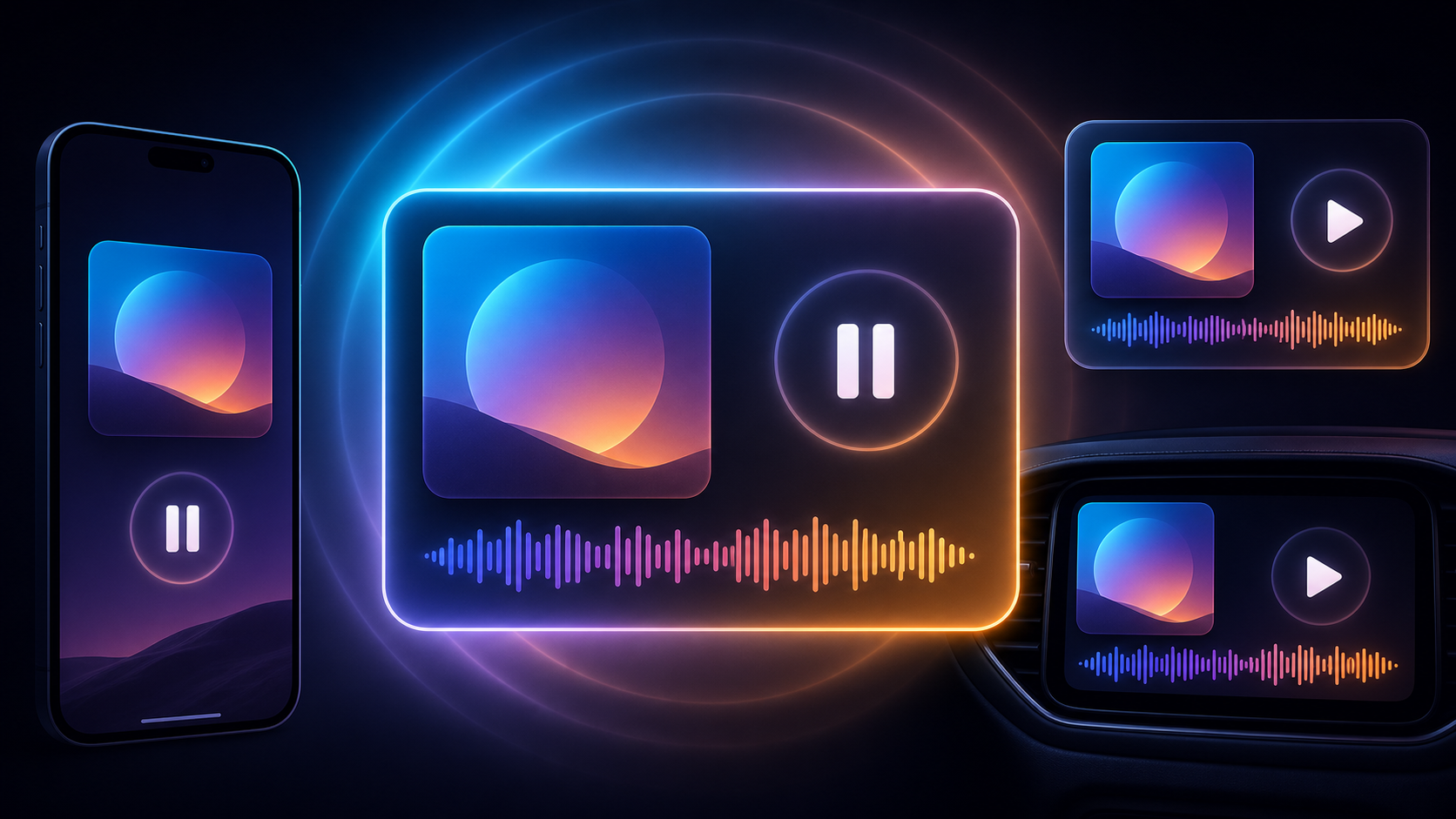
Use Apple's Now Playing framework to publish Swift media sessions across the Lock Screen, Control Center, CarPlay, and remote playback surfaces.
Read more

Use App Attest to verify genuine app instances before trusting sensitive server requests.
Read more
Use Apple's public Lookup API to check whether a newer App Store version is available, compare it safely, and send users to the App Store from SwiftUI.
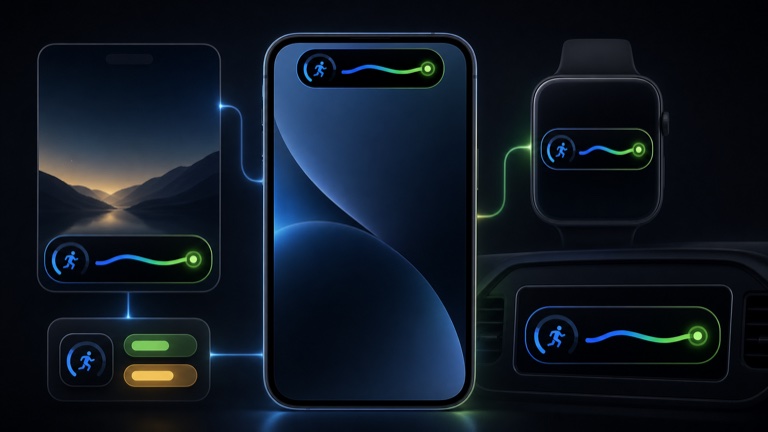
Read moreBuild one ActivityKit model that adapts to compact Dynamic Island width, StandBy, Apple Watch, CarPlay, and real-time push update strategies.
Read moreUse StoreKit's monthly billing plan for yearly subscriptions, show the commitment honestly, purchase the monthly plan, and track entitlement versus commitment progress.
Read moreUse AVFoundation to add manual aspect-ratio controls, smart photo framing, recording safeguards, and Center Stage behavior for video calls.
Read moreMove large optional app and game content out of your bundle, deliver it when needed, and localize asset packs without making users download every language.
Read moreBuild a field-performance loop with MetricKit reports from real devices, app-state grouping, JSON ingestion, and Instruments traces that reproduce and verify the fix.
Read moreUse the new Music Understanding framework to analyze tempo, key, structure, instruments, and loudness in Swift apps.
Read moreUse Device Hub, devicectl, Organizer metrics, and Instruments to reproduce real-device bugs without losing the thread.
Read moreWWDC26 adds sectioned queries, codable attributes, ResultsObserver, and HistoryObserver so SwiftData apps can react to store changes without hand-rolling array diffs.
Read moreUse Core Spotlight as the retrieval layer for a Foundation Models chat feature, with item donation, delegate hydration, batched search results, query tokens, and retrieval evaluation.
Read moreTrust Insights helps iOS apps recognize when a legitimate user action may be coerced. Here is how to place it in sensitive flows without turning a trust signal into a blunt block button.
Read moreSwiftUI's new reordering and drag container APIs finally make it practical to move ordered content outside List, including multi-item drags and move-only drops.
Read moreCore AI gives Swift apps a new path for running custom on-device models. Here is how I would structure a small private AI feature without turning model loading into the user experience.
Read moreWrap PaperKit's markup controller in SwiftUI, persist PaperMarkup data, and choose the feature set your editor actually supports.
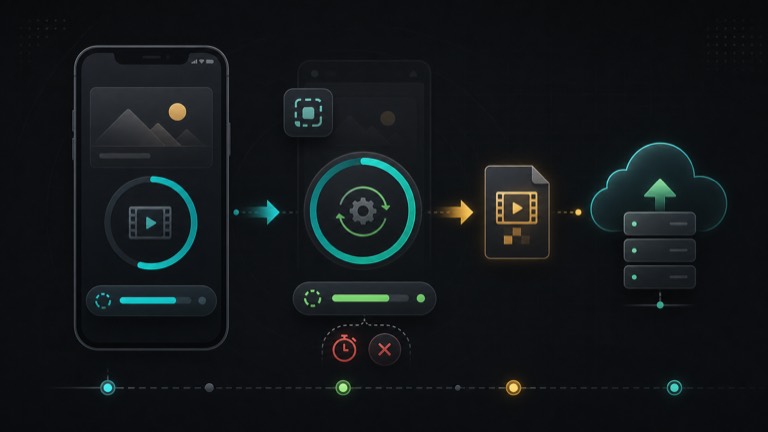
Read moreUse BGContinuedProcessingTask for visible, user-initiated work that may need more time after your app leaves the foreground.
Read moreFoundation Models lets Swift apps ask the on-device language model for structured output. Here is a small SwiftUI search suggestion model using availability checks, @Generable, and @Guide...
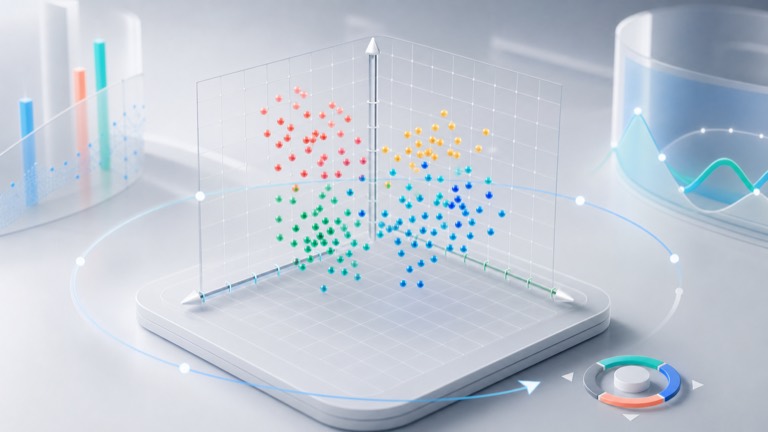
Read moreSwift Charts can plot real three-dimensional data with Chart3D. Here is a compact SwiftUI example using PointMark, Z-axis values, species styling, and Chart3DPose...
Read moreSpeechAnalyzer and SpeechTranscriber bring a modern async speech-to-text API to Apple platforms. Here is a small file transcription example that returns an AttributedString.
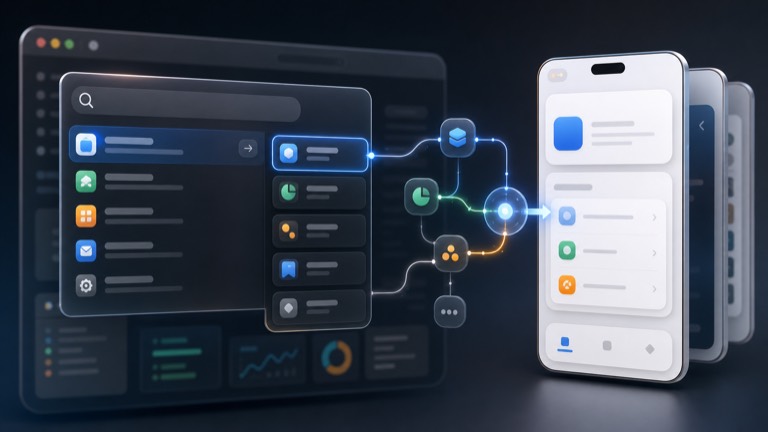
Read moreApp Intents are not just for Shortcuts. Here is a small foreground intent that opens your app and routes into a SwiftUI screen from system surfaces...
Read moreSwiftUI's TextEditor can edit AttributedString directly on the newest Apple platforms. Here is a small rich text editor with selection-aware formatting controls...
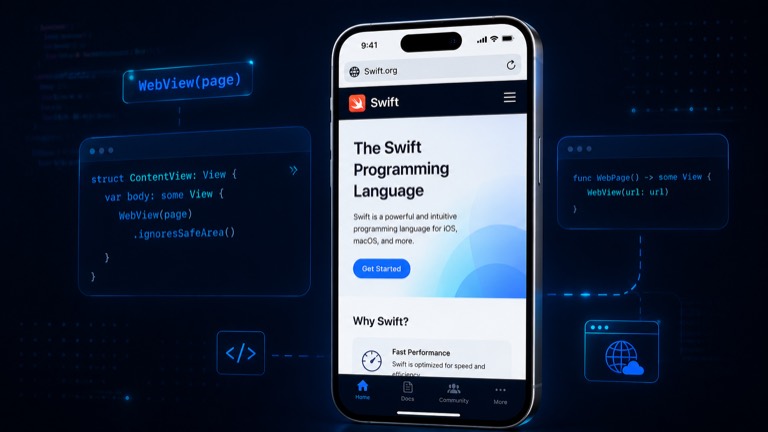
Read moreSwiftUI finally has a native WebView through WebKit. Let's replace the old WKWebView wrapper with WebView, then use WebPage when we need loading progress, page titles, and find-in-page...
Read moreUse the Translation framework from SwiftUI with language availability checks, TranslationSession.Configuration, .translationTask, and batch translation.
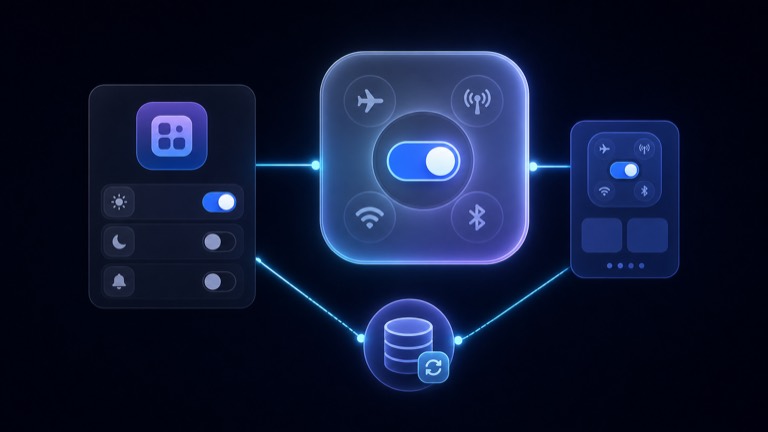
Read moreiOS 18 controls let users run app actions from Control Center, the Lock Screen, and the Action button on supported devices. Build a WidgetKit control toggle that stays in sync with app state.
Read moreSwiftData's iOS 18 schema macros can add indexes and uniqueness rules. Use them carefully for fast fetches and duplicate prevention.
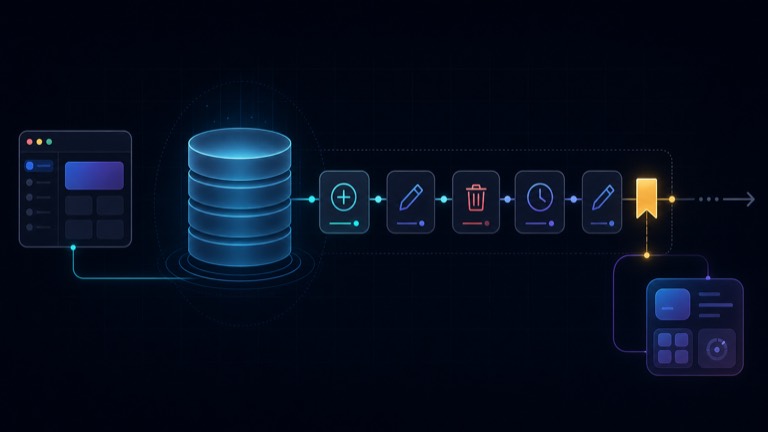
Read moreSwiftData history lets you ask what changed since a saved token, which is useful for widgets, sync, badges, and background work.
Read moreReplace preference-key scroll tracking with onScrollGeometryChange, visibility modifiers, and ScrollPosition for feeds, pagination, and scroll-aware controls.
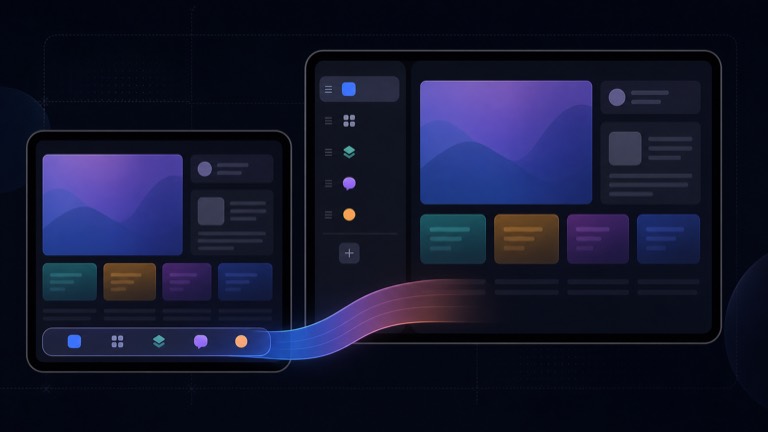
Read moreBuild a modern SwiftUI TabView that stays a tab bar on compact screens and adapts into a sidebar on iPad and Mac.
Read moreTextRenderer lets SwiftUI apps draw custom text effects while keeping text as text. Build a small highlight/reveal renderer with accessibility and reduced-motion notes.
Read moreUse SwiftUI's iOS 18 zoom navigation transition to connect a grid cell to a detail screen with stable IDs, a namespace, and an iOS 17 fallback.
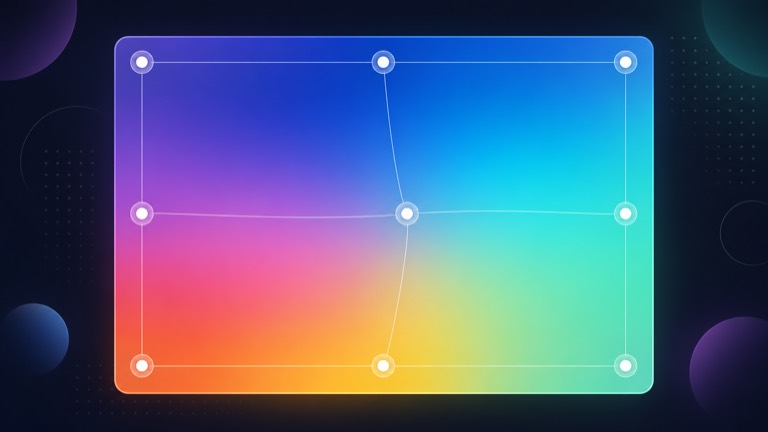
Read moreSwiftUI's MeshGradient gives you animated, art-directed gradients without hand-building a Metal shader. Build a small reusable background and keep reduced motion in mind.
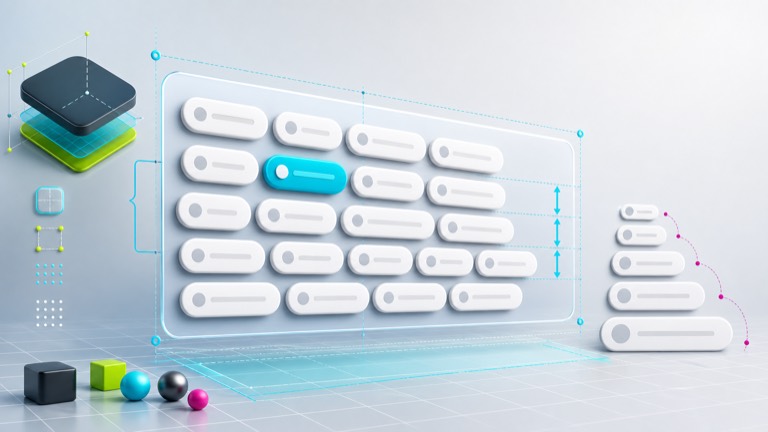
Read moreFlow layouts are one of those UI details that look easy until Dynamic Type, spacing, and reuse show up. Let's build a reusable SwiftUI Layout that wraps chips across rows without GeometryReader hacks.
Read morePrivacy manifests are easier to handle when you treat them like a small audit instead of a mysterious Xcode file. Let's walk through required reason APIs, third-party SDK manifests, and a practical PrivacyInfo.xcprivacy checklist.
Read moreA chat screen is where SwiftUI keyboard handling, scroll behavior, focus, and safe areas all meet. Let's build a practical message list with a growing composer that stays attached to the keyboard.
Read morePhotosPicker examples often stop at loading a UIImage. Let's build the production version: Transferable loading, cancellation, downsampling, file persistence, limited-library behavior, and a UI that can survive iCloud delays.
Read moreUniversal Links are simple when every moving part is correct, and maddening when one file, entitlement, path, or redirect is wrong. Here's a practical SwiftUI debugging checklist from apple-app-site-association to onOpenURL routing.
Read moreStoreKit 2 gives us two important transaction sequences: one for reading what the customer owns now and one for listening to changes. Let's build a tiny entitlement store that uses both without accidentally missing purchases.
Read moreAsyncImage is great for simple remote images, but production lists usually need memory caching, predictable cancellation, placeholders, retries, and downsampling. Let's build a small SwiftUI image loader and talk about when to use Nuke or Kingfisher instead.
Read moreNavigationStack works best when your app owns its route model. Let's build an enum-based SwiftUI router that handles pushes, sheets, deep links, and state restoration without scattering navigation code everywhere.
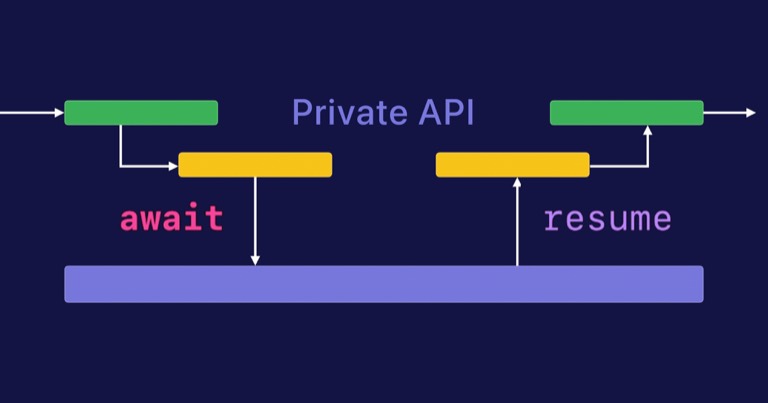
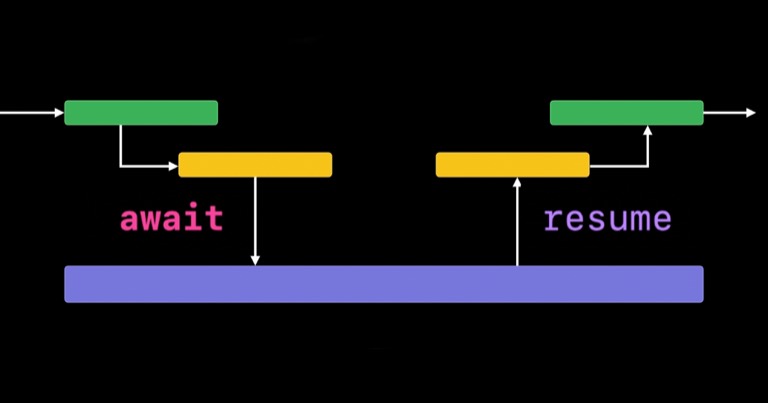
Read moreLast time we talked about how to refactor a callback based network call into an async/await based call. In that case, we had access to the underlying networking code & updated the entire chain of method calls to use async/await...
Read moreRecently I’ve refactored a few callback based network requests to use Swift’s new Async / Await syntax. Let’s take a look at how we can take a conventional callback based API method and improve its readability and simplicity...
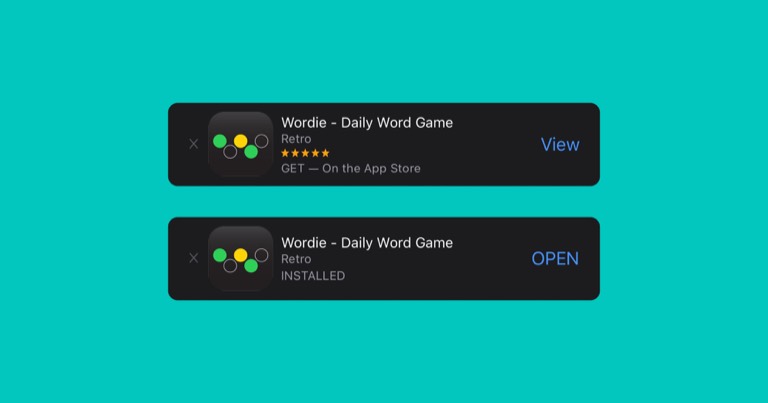
Read moreLet’s learn how to add a slick app download banner to your website! Apple officially calls this a Smart App Banner, because it changes its wording based on if the user has the app installed. If the app isn’t installed, the...
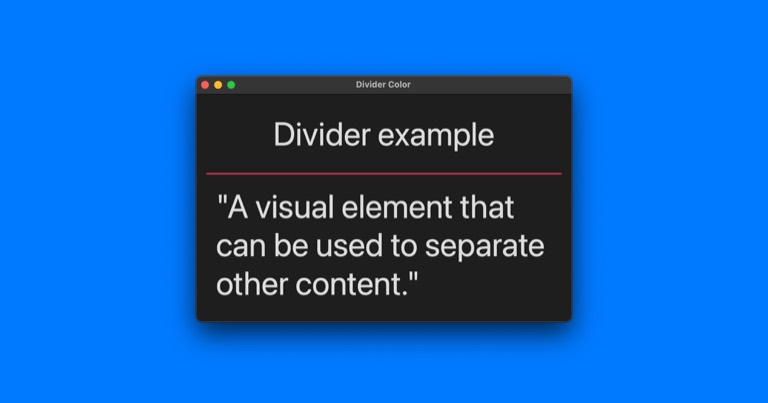
Read moreAnother SwiftUI post coming your way! This time we’ll take a look at Divider and how we can change its color. As nice as it would be to change the divider color with tint or foregroundColor, we can’t do it that way ðŸ˜...
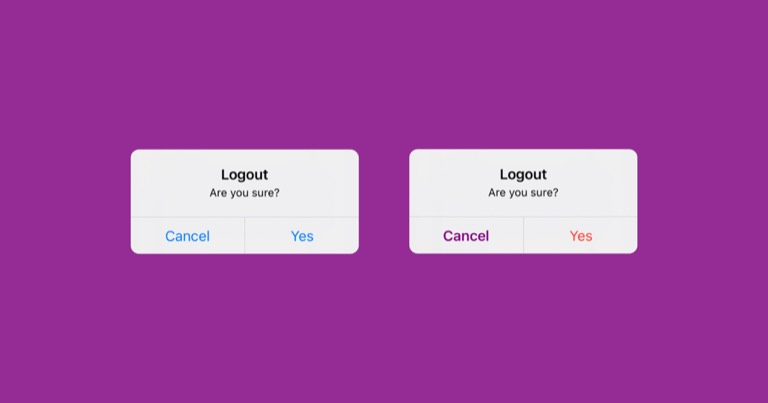
Read moreSwiftUI is the best thing since sliced bread, but I often come across simple problems that take longer than expected to sort out. Take for example an alert where I want to style the buttons. In my specific case it was a confirm...
Read moreI was recently working on some XCUITests and attempting to get them working inside a CI/CD pipeline (Bitrise). It turns out that the virtual machines on Bitrise are a bit underpowered, so many things like building a project ...
Read moreLet’s take a look at how to change all of your targets’ build numbers and marketing versions in a single place. I was surprised to find that a lot of developers don’t know this simple trick & manually change their build numbers...
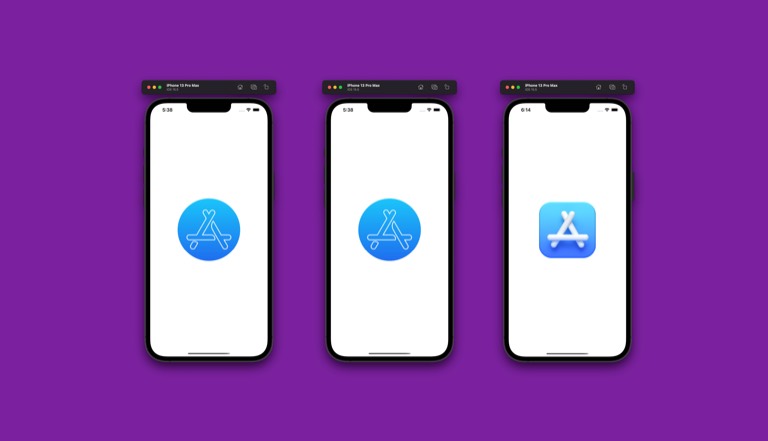
Read moreEvery once in a while you’ll probably make some changes to your launch screen, and I’ve run into a few headaches while doing it. Most recently I had trouble with an image not updating as expected. Let’s walk through what I did...
Read moreI was recently working on my Wordie app & needed some confetti to celebrate a victory when the user guesses the correct word. I built the app completely in SwiftUI so I started searching for a confetti library I could drop in...
Read moreIf you're like me you probably get tired of manually incrementing your app build number in Xcode. After a few hours of testing I finally nailed down a simple solution that works on Xcode 13.2.1. Let's dive right in...
Read moreIn step 1 we created the widget extension target & got it running on the simulator. Now let’s look at the basic parts of a widget. You’ll notice that Apple created a folder with your widget name & made a template file for you...
Read moreIt was pretty cool when Apple gave us widgets with iOS 14. Finally we could customize our home screens with something more than just app icons! This is a simple walkthrough of how to add a widget to your app & what to put in...
Read more